Last updated: November 01, 2026
Key Takeaways
- The ExpaDevs contact page routes your message to the right team without guesswork.
- ExpaDevs can be reached by form, email, social profiles, or support, depending on speed and purpose.
- The contact form is often the best first step for a structured inquiry.
- Use the listed ExpaDevs email when you need a written record or have files to attach.
ExpaDevs contact options: how to reach the team are the practical way to get a direct line to the team, not a generic product explanation. Use the contact form for structured requests, email for anything you want saved in your own inbox, social profiles for lighter outreach, and support for issues that need a reply tied to an existing account or ticket. For the broader background on the platform, the hub article on what ExpaDevs is belongs on a different page.
What the ExpaDevs contact page is for

The ExpaDevs contact page is for getting a message to the right place without guessing which department should see it first. It is the cleanest route for sales questions, support inquiries, partnership proposals, media requests, and general follow-up when you do not have a direct person already assigned to your case.
That matters because contact pages are usually split by intent. A sales lead, a billing issue, and a product bug do not belong in the same queue for long. A well-built contact page cuts that confusion by giving you at least one form, one email address, and a support path. If the page also points to social profiles, that usually signals there is more than one way to reach the team, but not every channel is equally good for urgent help.
This page is not the right place if you need login help, pricing details, or a tutorial on how to use ExpaDevs. Those belong on other pages because they are different jobs. A contact page should move you to the next step in under 2 minutes, not make you read a product manual first.
How do I contact ExpaDevs?
You contact ExpaDevs through the contact form, email, social profiles, or support, depending on what you need and how quickly you need a reply. The contact form is often the best first step because it gives the team context in a format they can sort, route, and archive. Email is better if you need to attach files, copy other people, or keep a dated thread in your own mailbox.
Social profiles are useful for a short nudge, a public check-in, or a quick pointer to the right department, but they are not the place to send sensitive account details. Support is the right channel when the issue already lives inside the product, because it can be tied to an existing case, ticket, or account record.
If the contact page offers a subject dropdown, use it. A dropdown with options such as support, sales, billing, or general inquiry is not decoration; it is how the message gets routed. If the page asks for a reply email, a company name, or a short description, fill those in carefully. A 40-word message with the right details is often better than a 400-word message that buries the problem.
Does ExpaDevs have a contact form?

Yes, the ExpaDevs contact page is expected to have a contact form, and that form is usually the best choice for first contact. A form lets the team collect the same details from every sender, which makes routing faster than a free-form email in many cases.
A good contact form normally asks for a name, email address, topic, and message. Some forms also ask for a company name, website, or account reference. If you see a 500-character limit, treat that as a hint to keep the message focused: state the problem, include the relevant page or feature, and mention any deadline. If there is a file upload field, use it only when it adds evidence, such as a screenshot of an error or a PDF your request depends on. If you are not sure whether a short form is enough for a complex issue, check the page instructions or contact a qualified support professional and follow the guidance there.
The trade-off is simple. A form is orderly, but it can feel less personal than email and less immediate than chat. If your issue is time-sensitive, use the form only if the page says it is the preferred route for support. If the form produces a confirmation number or ticket ID, save it. That number can be a useful sign that your request entered the queue, although the page should be the final authority on what it means.
Which email address should I use for ExpaDevs?
You should use the ExpaDevs email address listed on the contact page if you need a direct written record or have supporting files to send. Email is the cleanest choice for longer explanations, contract questions, renewal discussions, billing follow-up, or anything that involves multiple people on your side.
Use the address that matches the subject. A support inbox is for product problems. A sales inbox is for purchase questions. A general inbox is the fallback when the page does not split the channels more clearly. If the contact page lists more than one address, do not guess. Sending a billing question to a support inbox can add at least one extra handoff, and that is often where delays begin.
Email also has one drawback that the form does not: it invites long threads. That is useful when the case is complicated, but it can slow down simple questions. Keep the first email tight. A subject line like “Support request: [feature name] error after login” gives the team more to work with than “Help needed.”
How long does ExpaDevs take to reply?
ExpaDevs reply times depend on the channel, the day you send the message, and whether your request is support-related or general. A contact form or support ticket usually gets a faster routed response than a social message, because the team can sort it into the right queue immediately.
The honest answer is that no one should promise a fixed turnaround unless the contact page states one. If the page mentions response expectations, trust that over assumptions. If it does not, plan for a normal business-day delay rather than an instant answer. Messages sent late on Friday, during a holiday, or outside the team’s main working hours often wait longer than messages sent Monday morning. For broader expectations on response timing and customer contact handling, see Google’s guidance on helpful business information and Zendesk’s support resources. (Source: Google Business Profile help, Zendesk Support)
If your issue is urgent, say so in the first line and include the deadline. “Need help before 3 p.m. UTC today” is more useful than “urgent” by itself. If the request is not time-sensitive, you can reduce back-and-forth by including screenshots, browser details, account email, and the exact page or feature involved. A clear first message can save a second round entirely.
What kind of support inquiries belong here?
Support inquiries belong on the ExpaDevs contact page when the issue is tied to using the product, entering the product, or getting an account-related answer from the team. That includes access problems, broken features, error messages, missing data, integration trouble, and questions that need a human response rather than a help article.
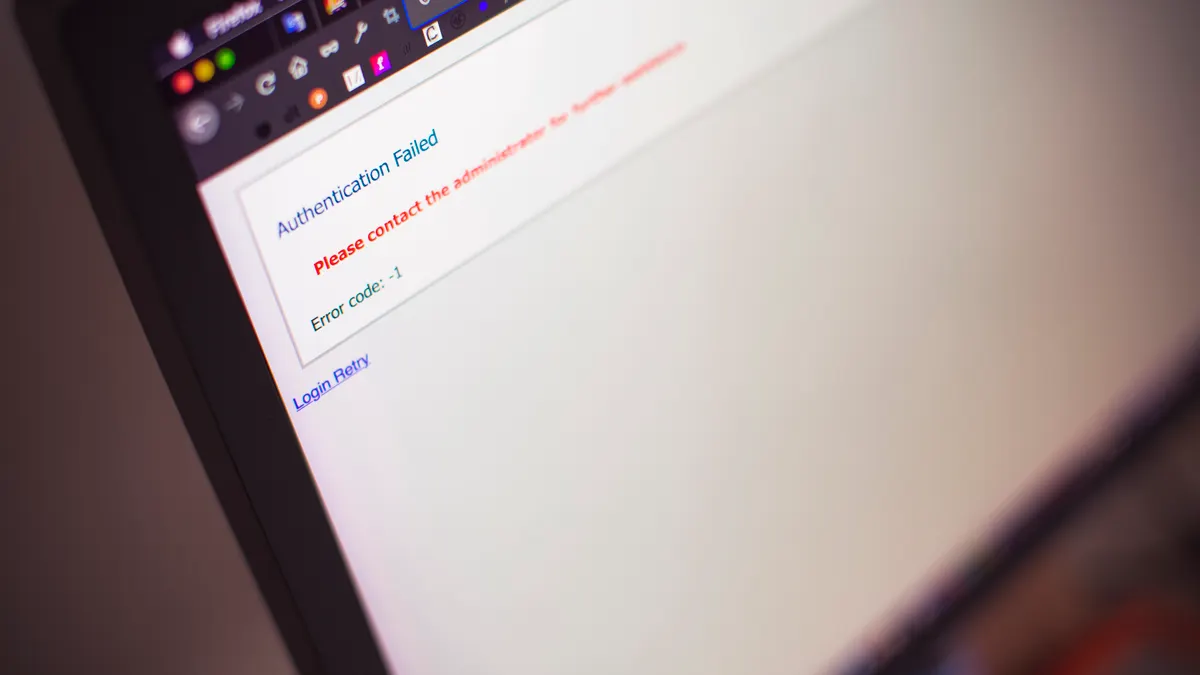
This is the channel for facts the support team can act on: the exact browser, the device, the timestamp, the page URL, the steps you took, and any error text shown on screen. A note like “it does not work” is too thin to move quickly. A note like “Chrome 130 on macOS, error appears after step 3, screenshot attached” gives the team something operational. For technical reporting, Mozilla’s browser support pages are a useful reference point for collecting device and browser details. (Source: Mozilla Support)
This is not the best place for marketing requests, speculative product ideas, or broad commercial questions unless the page explicitly says so. Those messages are legitimate, but they belong in the right inbox. A support queue built for troubleshooting is not the ideal place for a partnership pitch, and a contact form is not a substitute for a documented onboarding process.
What should you include in your message?
You should include the minimum detail needed to route the request in one pass: who you are, what you need, how to reply, and the exact context. That usually means name, email, topic, and a short explanation of the issue or request.
For support, add the practical details the team will ask for anyway: account email, device, browser, operating system, the exact feature or page name, and the time the issue happened. If the request involves a document or screenshot, attach it once rather than waiting for a follow-up. If the form has a character limit, write in plain language and skip the backstory unless it changes the answer. The FTC also recommends keeping online messages concise and specific when you need a prompt response. FTC consumer advice
A useful message is often under 150 words. That is not a hard rule, but it is a good working target because it keeps the main issue visible. Long messages can work, but only if they are structured. Use short paragraphs or bullet points when the matter is technical.
What are the limits of the contact options?
The main limit is that not every channel is built for the same urgency or sensitivity. Social profiles are public or semi-public by nature, so they are poor for account details, billing information, or anything private. A contact form is organized, but it may not be ideal if you need to include a long history, multiple files, or a complex timeline. Email is flexible, but it can become messy if several people reply in different threads.
That is the honest trade-off against the obvious alternative of “just message someone wherever you can.” Loose outreach feels faster, but it usually creates delay later when the team has to reconstruct the issue. A structured form or the listed support email may feel slower at the start and faster by the end.
This page is also not for people trying to answer what ExpaDevs is, how to use ExpaDevs, or whether it has login access. Those are separate questions. The point here is to reach the team through the right lane, not to turn a contact page into a product tour.
Nearby support paths and service-area expectations
ExpaDevs contact routes should work for users wherever the team supports them, including nearby cities or suburbs if the company lists them elsewhere on the site, but the contact page itself should still be your first stop. If you are reaching out from a local office, a home setup, or a distributed team across several time zones, say that in the message because it changes reply timing and coordination.
If the contact page mentions support hours, business hours, or a local office window, follow that timing rather than assuming 24/7 coverage. A 9-to-5 support desk and a global inbox are not the same thing. If the team uses time-zone labels such as UTC, EST, or GMT, match that in your message so there is no ambiguity about deadlines.
For readers who want the broader product context, the hub page on what ExpaDevs is sits above this contact page in the site structure. Use that page for the overview; use this page when the next move is to get in touch.
Drafted with AI; not yet reviewed by a person.